Backed by
Not affiliated with or endorsed by Apple, the Weather app—or the weather itself, for that matter. Just big fans.
Everything you need
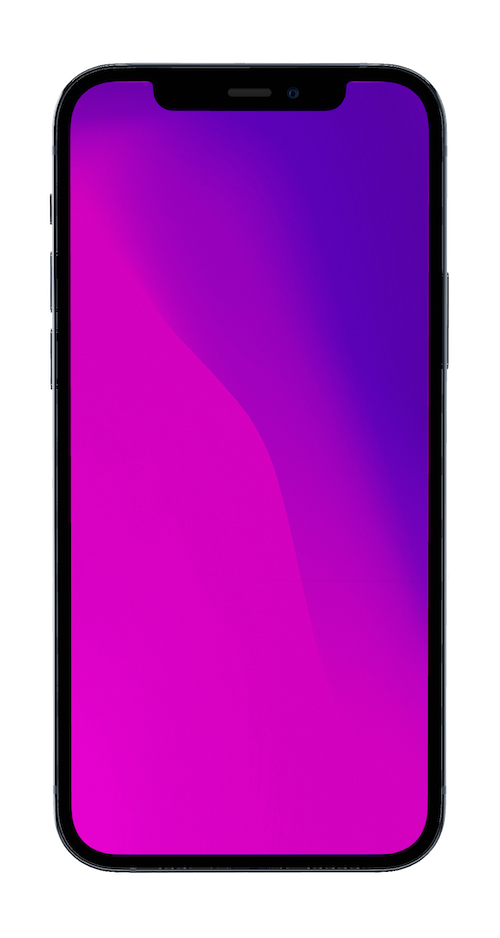
Show off your app in context, on the screen of a stunning 3D device mockup—phones, laptops, and more.
3D
3D
mockups
mockups
Cursor
Cursor
styling
styling










Make your videos professional and easy to follow with custom cursor styling and movement smoothing.
Name
John Smith
john@email.com
Draw attention to key areas with animated 3D callouts.
Music
Music
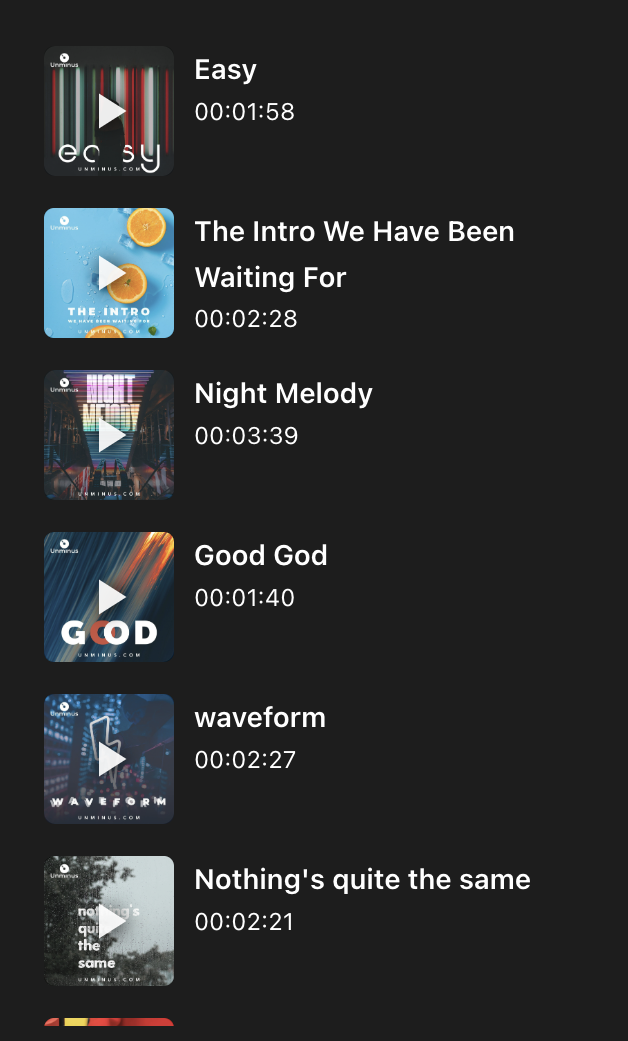
library
library
Templates
Templates
Start with professionally designed templates and customize them to match your style.
Brand Kit
Brand Kit
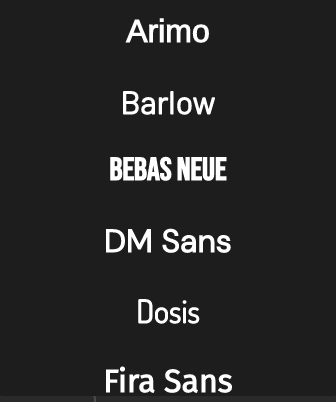
Save your colors, fonts, and logos for consistently on-brand videos.

AI
AI
Voiceovers
Voiceovers
Generate natural-sounding narration for your videos with AI voices.

Pricing
Start using Kite for free
Monthly
Yearly
(Save 30%+)
Free
Free
- All major features available
- Unlimited exports
- 1k sample AI voiceover characters
- Exports watermarked
Pro
$40
/mo
- No watermarks
- Unlimited exports
- One authorized user
- 10k AI voiceover characters / mo
Team
$55
/mo
per seat, billed yearly
Minimum 3 seats ($165/mo total)
Seats:
- Everything in Pro
- Cloud project sharing
- Centralized billing
- 10k AI voiceover characters per seat / mo
Enterprise
Let's talk
- Everything in Team
- Single Sign-On
- Enterprise-grade security
- API-driven videos
- Custom integrations
FAQ

Try Kite for free.